
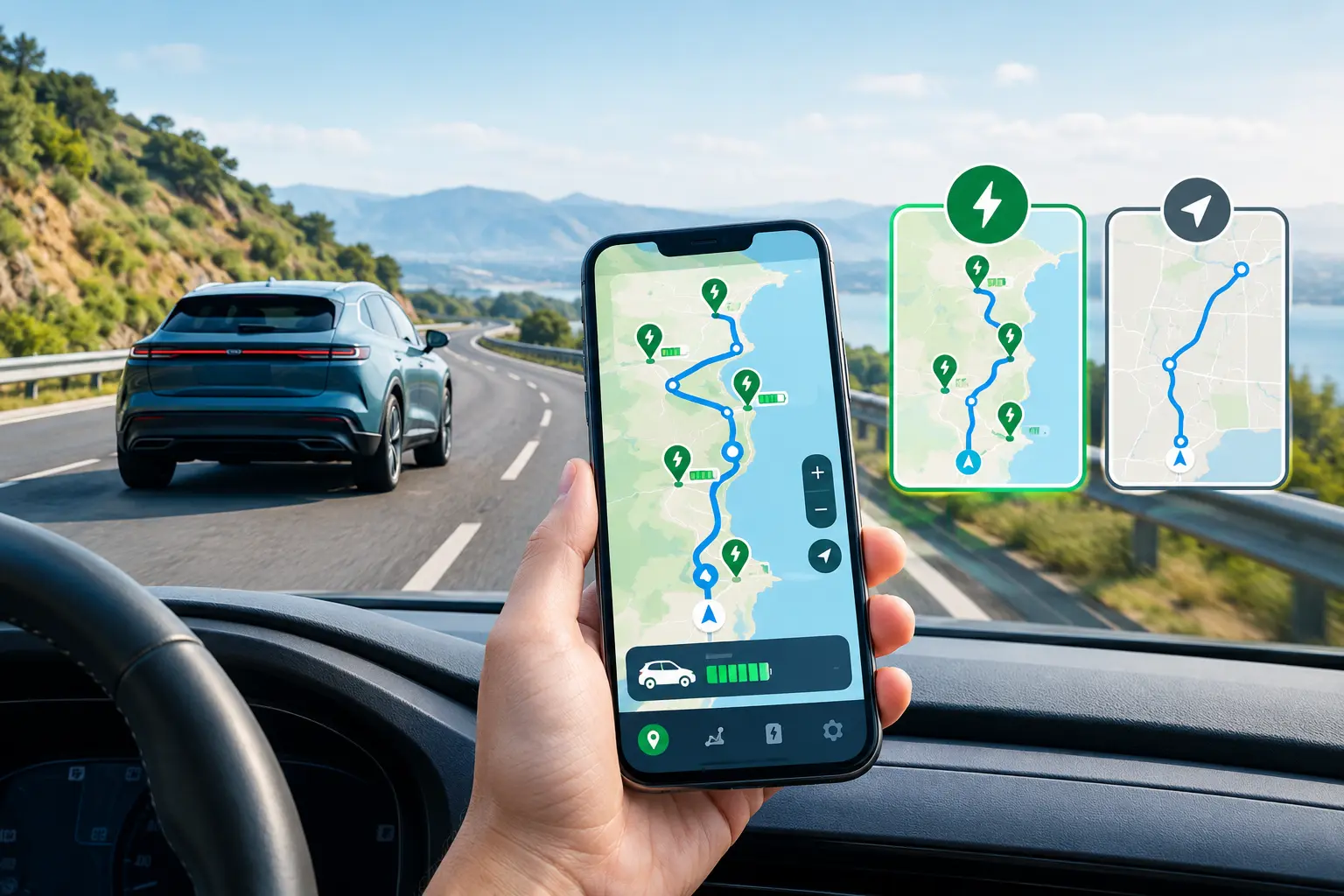
You love your EV in the city. Then a weekend trip to Jaipur or Shimla lands in the family chat. Suddenly you wonder whether an electric vehicle trip planner can help more than the maps app already on your phone. That is a fair question, and the answer depends on how you drive. This guide compares both options so you can choose with confidence.
Google Maps does one job very well. It gets you from point A to point B. An EV trip adds a second job, which is keeping your battery healthy along the way. That gap sits at the center of this debate.
Why EV Road Trips Need More Than a Basic Route
A petrol car refuels in five minutes at almost any highway pump. An EV works differently. Charging takes longer, public chargers sit in fewer places, and your range shifts with every drive.
Several things shape your real range on the road. Speed matters most, because a car at 100 km/h uses far more energy than one at 70 km/h. Air conditioning pulls power from the same battery. Extra passengers and a loaded boot add weight. Steep climbs and hot weather also cut range, sometimes by a surprising amount.
So a route that looks perfect on screen can fail in real life. Your plan must follow your battery, not just the road. That is why many owners feel nervous before their first long drive.
What Google Maps Does Well for EV Owners
Google Maps earns its place on every phone, and EV owners should respect that. It gives you live traffic, reliable arrival times, and clear voice directions. It also lists restaurants, restrooms, and fuel stops along your path.
You can search for charging stations inside the app and view them on the map. Some cars and regions also show charger availability and let you add charging stops to a route. These features differ by country, car model, and app version, so test what your own setup offers before a big trip.
For short city drives and familiar routes, Google Maps usually does enough. You know where your home charger sits. You rarely worry about range. In that case, the app you already have is the app you need.
Where Google Maps Falls Short on Long EV Trips
Trouble starts when the distance grows. Google Maps does not know your exact battery level unless your car shares that data with it. It cannot always confirm that a charger works, fits your plug, or has a free bay.
Owners report the same gaps again and again. The app may point you to a charger with the wrong connector. It may not show whether a station is free, busy, or out of order right now. It may not rebuild your plan when your battery drains faster than expected. It may also fail to warn you about a long empty stretch between chargers on a highway.
Each gap sounds small. On a dark highway with 12 percent battery, each one feels huge.
How an Electric Vehicle Trip Planner Works
A good planner starts with your car, not the road. You enter your model, your starting charge, and your destination. The tool then builds a route and picks charging stops that match your battery size and plug type.
It also estimates how long each stop will take. It shows how much charge you need to reach the next stop, so you never waste time charging to full. Fast chargers slow down after about 80 percent, so a smart plan often tells you to unplug early and keep moving.
Many planners show live charger status and let you compare networks. That saves you from driving 20 km to a dead charger. Some also let you save trips and share them with family, which helps when two people drive the same car.
Side by Side: Trip Planner vs Google Maps
Here is how the two options compare on the things EV owners care about most.
Route and traffic: Google Maps wins on live traffic and road detail. Most dedicated EV tools use map data too, so you lose little here.
Charging stops: A trip planner wins this round. It picks stops based on your car, not just on location. Google Maps shows chargers, but it may not match them to your connector or battery.
Charger details: Dedicated tools usually show connector type, power level, and status. Google Maps shows less detail, depending on your region.
Battery awareness: A planner ties the route to your battery. Google Maps works best when your car shares battery data with it.
Cost: Google Maps is free and already installed. Many EV tools are free as well, though some features need an app download.
Which One Should You Use?
Match the tool to the trip. For short city drives, Google Maps works fine. For highway trips above 150 km, or any drive to an unfamiliar area, use a planner built for EVs.
The best answer is often both. Think of it this way. A trip planner handles your battery, and Google Maps handles the traffic. Plan the trip first, then drive with live traffic running in the background. Many experienced EV owners follow this simple habit.
Smart Tips to Plan Your Next EV Road Trip
Start with a high charge. Leave home with 80 to 90 percent when you can. A strong start gives you more choices at the first stop.
Keep a safety buffer. Aim to reach each charger with at least 10 to 15 percent left. Wind, traffic, or a detour can eat range fast.
Pick backup chargers. Note one extra charger near each planned stop. If the first one fails, you will not feel stuck.
Check your plug. Confirm that the charger supports your car’s connector. Most new EVs in India use CCS2 for fast charging.
Charge while you eat. Time your meal or rest break with a charging stop. You use the wait well, and the trip feels shorter.
Save your route offline. Mobile signal can drop on remote highways. Download your map before you leave.
How ElectreeFi Helps You Plan With Confidence
ElectreeFi runs an EV charging platform that covers over 70,000 charging points across India. Its mobile app, which has crossed 350,000 downloads, helps you find and use chargers. The company also offers an EV Trip Assist service for owners who want support with their journeys. Explore it before your next long drive and take the guesswork out of charging.
Final Verdict for EV Owners
Google Maps handles roads well, but an electric vehicle trip planner handles your battery. For daily driving, stay with the map app you already love. For long highway runs, choose a trip planner that knows your car and shows live charger status. Better still, use both. A little planning turns range anxiety into a smooth, enjoyable drive.
Frequently Asked Questions
Can Google Maps plan an EV trip?
Partly. Google Maps shows charging stations and can add charging stops in some regions and cars. It may not match chargers to your battery or plug, so verify before long trips.
What is the best app for EV trip planning in India?
Pick an app with wide charger coverage, live charger status, and easy payment. Test two apps on a short drive before you rely on one for a long journey.
How do I plan a long trip in an electric car?
Check your real range, choose charging stops within it, and keep a 10 to 15 percent buffer. Confirm your connector type at every stop, and note one backup charger.
How accurate is EV range on highways?
Highway range usually falls below the claimed figure. High speed, air conditioning, and heavy loads drain the battery faster. Plan with a cautious number, not the brochure number.
Is it safe to take an EV on a long trip in India?
Yes, with good planning. Charging networks keep growing along major highways. Charge early, pick backup stops, and avoid arriving with a nearly empty battery.